
Sugargoo finding & buying guide
Find a category. Check the details that matter.
A product photo is the beginning of a comparison. Open the seller page and verify the exact specification before you submit an order. Category links open the product catalogue; they do not reserve stock.
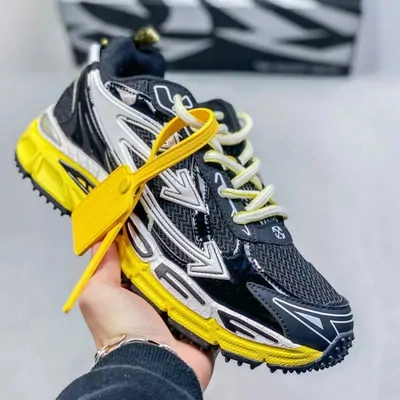
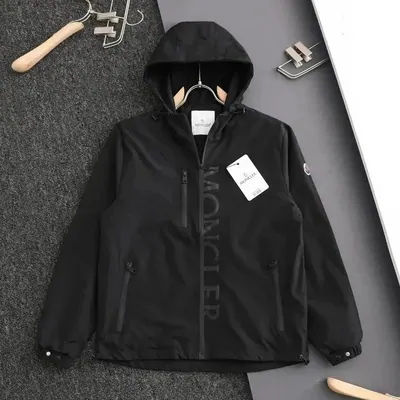
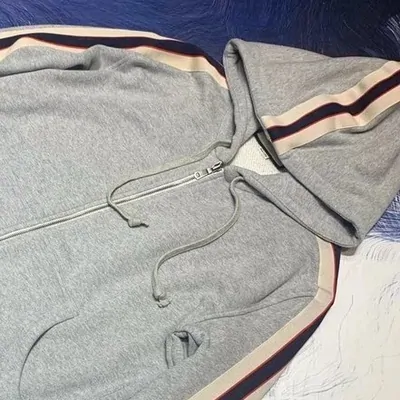
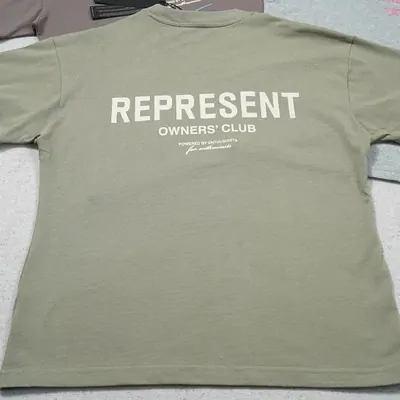
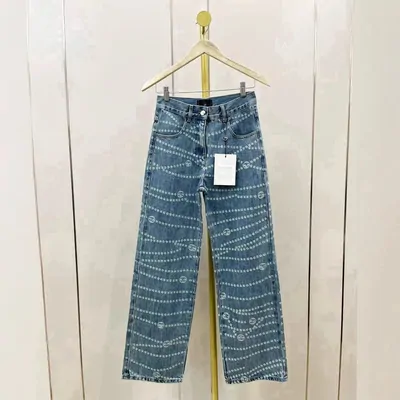
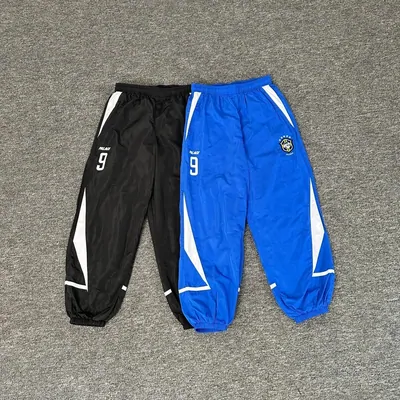
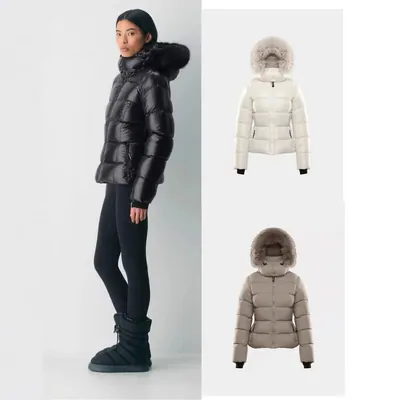
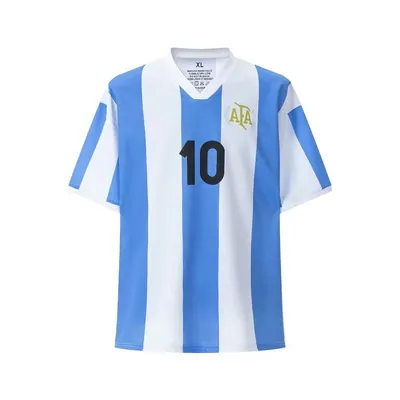
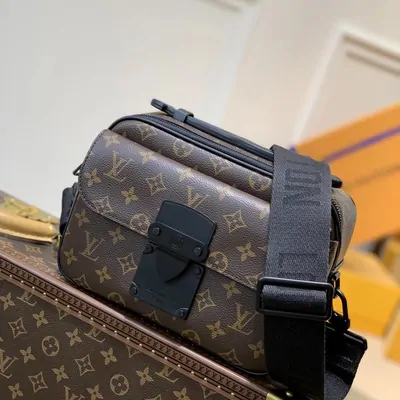
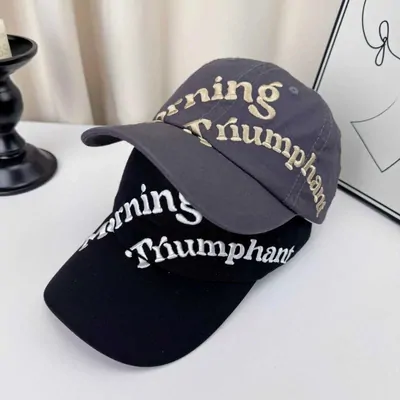
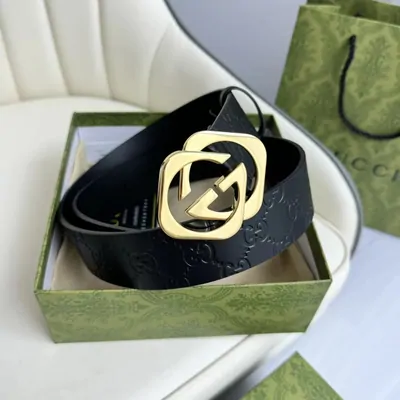
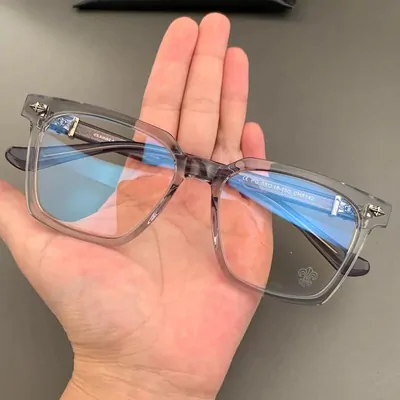


What to check before the handover
| Category group | Useful checks |
|---|---|
| Clothing and jerseys | Garment measurements, colour and print/name-number option. A familiar size letter is not a substitute for the listing’s chart. |
| Shoes | Selected size system, colourway, pair quantity and any measurements needed for fit. |
| Bags, belts and accessories | Dimensions, included strap or parts, buckle/metal colour and the particular variant. |
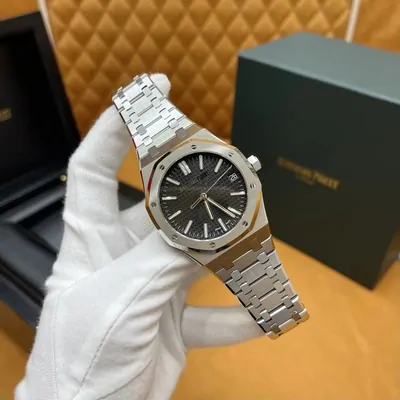
| Watches and electronics | Model and included accessories, battery or power details, and any function checks you need beyond visual inspection. |
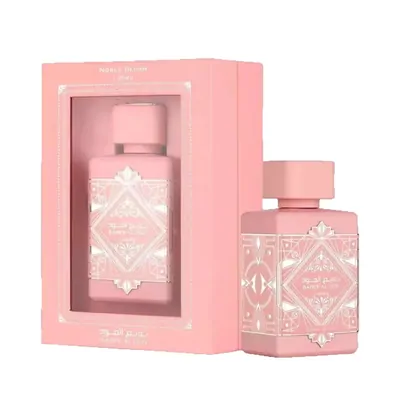
| Perfume and other liquids | Volume, packaging and whether an eligible route accepts the contents to your destination. |
Do not assume that every option in a category can be purchased or shipped. The final listing, agent acceptance and line restrictions decide. If a product needs a specific material certification or operating feature, ask for suitable evidence; a thumbnail and an ordinary warehouse photo cannot supply it.
When comparing several listings, save one record per candidate: seller URL, selected option, price basis, domestic delivery and unanswered question. That makes it easier to choose without mixing a photograph from one seller with the size chart from another.